Welcome to the GPA Guide!
In order to calculate your GPA in 7 steps, please follow the steps given below:
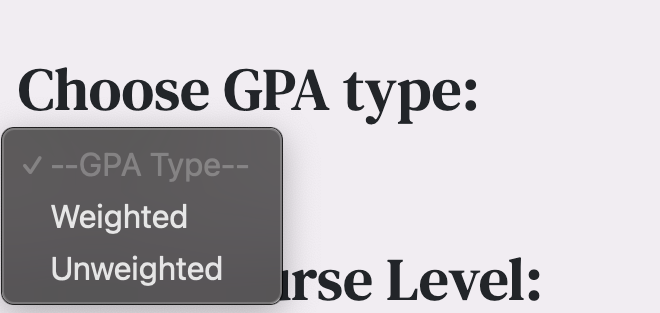
Step 1: Select the type of GPA you wish to calculate
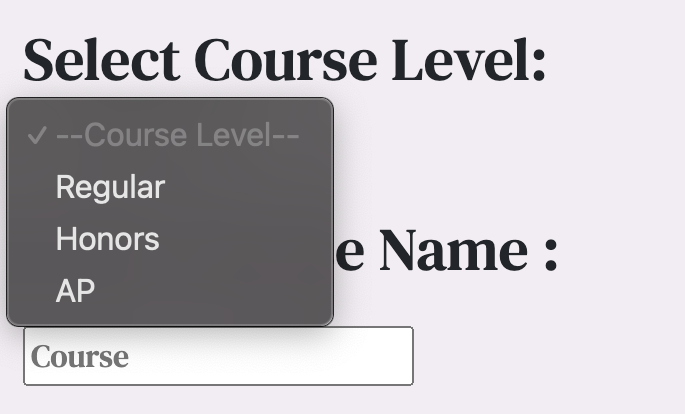
Step 2: Select your course level
Step 3: Enter the course name

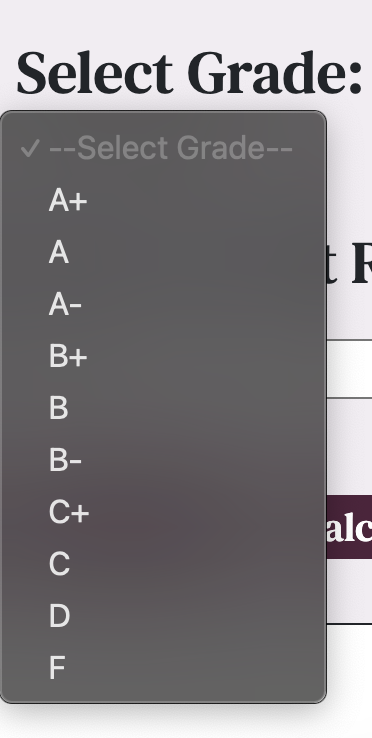
Step 4: Select your grade
Step 5: Enter the credits received

Step 6: Press the "Add Course" button in order to see your course in the preview table

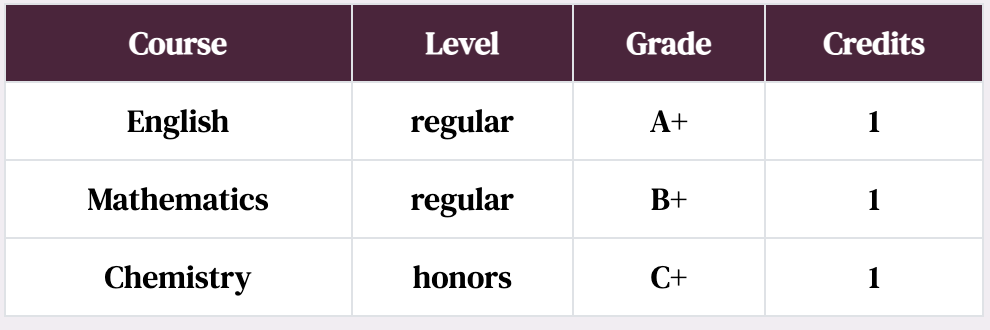
Your preview table will now look like this
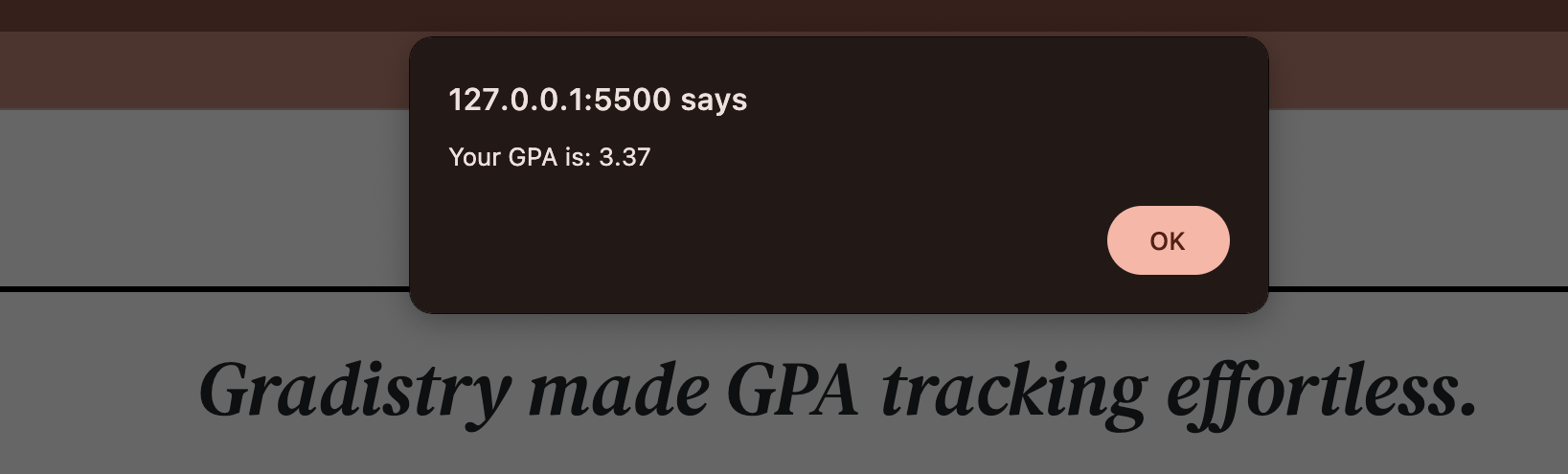
Step 7: Press the "Calculate GPA" button to calculate your GPA

Voila! Your GPA is ready!